
How to Redeem Squishy Ball Tower Codes
Step-by-step redeem guide for Squishy Ball Tower on Roblox, including mobile, console, and what an invalid code actually means.
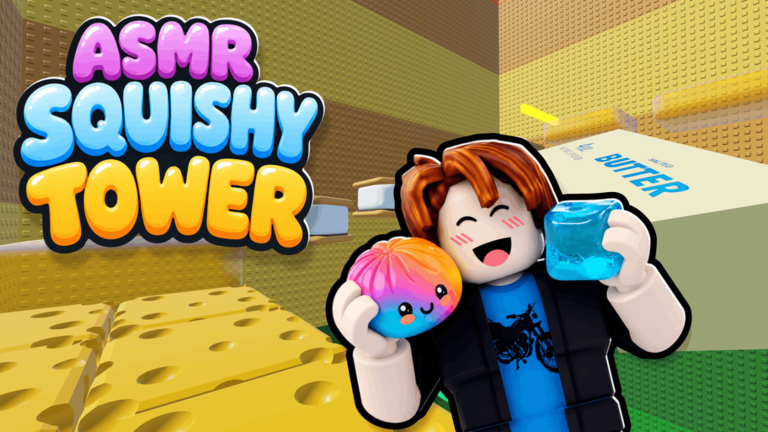
Redeeming a Squishy Ball Tower code is a thirty-second action once you know which button the client hides it behind. The confusion comes from three different Roblox ASMR towers using three different UIs. This page is only for place ID 73752665596162 — ASMR Squishy Tower by Squishy Sanctuary. If your lobby has a plot, a gem shop, and a 30-minute timer, you launched Build an ASMR Tower by mistake. Stay here for the climb game, then keep the active list in another tab.
Prepare the session
- Launch Squishy Ball Tower from the official Roblox listing, not a sponsored lookalike.
- Wait until the character loads on the lobby pad. Redeem UIs often fail during the first loading burst.
- Open active codes and copy the string. Do not retype from a stylized thumbnail.
- If you are on mobile, rotate to landscape so the code field is not covered by the jump button.
Desktop and laptop steps
On keyboard, look at the right side of the HUD after the welcome badge fires. Squishy Sanctuary uses a compact claim or shop cluster rather than a chat command. Open it, switch to the Codes tab if the panel has more than one page, paste the string, and confirm. A valid code pays out immediately: you will see the item in inventory or a luck buff on the HUD. An invalid code returns a red toast. That toast is useful data — screenshot it before you assume the wiki is wrong, because Roblox sometimes throttles redeems when a server is taking an update.
Mobile and console
Console is officially supported, which is rare for this genre and easy to forget. On a gamepad, hold the button that opens the experience menu, then tab to the shop cluster with the shoulder buttons. There is no on-screen keyboard in every region, so the safest path is to copy the code on the Roblox mobile app companion, or type it from a nearby phone. Mobile players should dismiss the dynamic thumbstick before focusing the text box; otherwise the first character becomes a walk input and the redeem fails silently. After a success, stay in the server for a few seconds so the inventory replicates. Leaving instantly can drop a fuse ticket that never arrived.
What each error actually means
| Message | Likely cause | What to do |
|---|---|---|
| Invalid / unknown | Wrong game, typo, or expired string | Check expired list, confirm place ID |
| Already redeemed | This account used it | Stop retrying; codes are one-shot |
| Not available in this region | Rare geo flag | Try a different account only if first-party said so |
| Please wait | Server shutdown or rate limit | Rejoin after the update toast |
Do not farm alts just to test a rumor. The code checker exists so you can screen a string before you waste a login. If the checker says unknown, you can still try in-game — our list is conservative — but you should not sit in a queue of ten alts. Put that time into getting squishies or a Tower 2 attempt instead.
After a successful redeem
Open inventory before you climb. Fuse tickets and luck minutes expire while you are staring at a wax staircase. If the reward was a squishy, it should increment the index; if it does not, rejoin once. If the reward was a coil-adjacent boost, it will not stack with the paid Speed Coil in a way that breaks the game, but it can make Tower 1 feel trivial. That is fine. Use the window to scout checkpoint placement for the next tower rather than racing a friend who still has vanilla jump height.
Frequently asked questions
Straight answers for the searches that actually land here.
Is there a chat command for codes?
No reliable chat redeem is documented. Use the HUD claim or shop panel. Typing in chat will only broadcast the code to the server.
Can I redeem on console?
Yes, the place is console supported. Use the experience menu and a keyboard overlay, or type from the Roblox app.
Why did a code work for my friend and not me?
Most strings are one redeem per account. Some are one per server. If the list still marks it active, wait out a shutdown and try once more.